
Up to three email stages
Configure the subject, heading, message and delay for each stage. Enable or disable the second and third follow-ups to match your strategy.
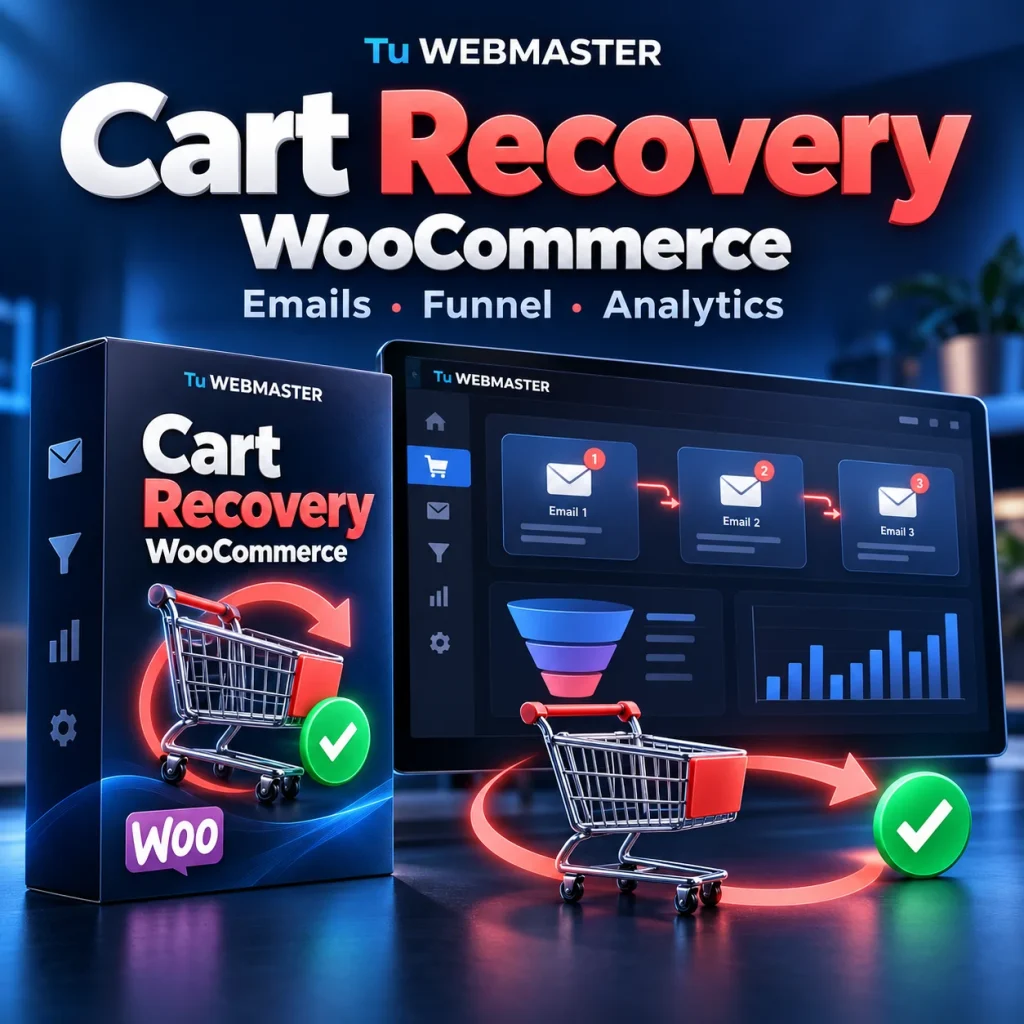
WOOCOMMERCE PLUGIN · TU WEBMASTER
Send up to three recovery emails, offer optional coupons and review recovered and assisted orders from WooCommerce.
$ 60.00USD · US dollars
PayPal · License and download after payment confirmation. Guest email capture requires classic WooCommerce checkout.
Requirements and FAQsCart Recovery by Tu WEBMASTER brings abandoned-cart recovery, email automation and reporting into WooCommerce. Save the cart, contact customers who left an incomplete purchase, and follow the journey through their return or conversion.
The plugin runs in your WordPress installation. Cart records and reports stay in your database. Messages use your store’s existing WordPress mail or SMTP configuration.
Configure the subject, heading, message and delay for each stage. Enable or disable the second and third follow-ups to match your strategy.
Each cart has its own recovery link. Customers return to available products from their saved cart, while the plugin records link clicks and recovery attempts.
Review abandoned carts, emails sent at each stage, clicks, recovery rate, CTR and recovery-on-click. Keep recovered, assisted and ordinary conversions separate.
Offer an optional discount with an individual cart coupon. Set a different percentage for carts above a configured value threshold.
Filter by status, stage, interaction, payment method, source, value and date. Use manual sends, bulk actions, sorting, pagination and CSV export.
Configure email-quality rules and blocked addresses or domains. Set retention periods by cart status and choose payload purging or record deletion.
Read the guide to abandoned-cart emails, funnels and attribution before preparing your first sequence.
The dashboard distinguishes recovered carts, assisted sales and ordinary conversions without recovery attribution. Link interactions and recovered revenue help you interpret the sequence without counting every later order as a recovery.
Click deduplication and detection of some automated user agents reduce noise. They cannot eliminate every click from mail scanners or bots. This version does not provide email-open tracking or guarantee a sales conversion rate.
| Platform | WordPress 6.5+, PHP 7.4+ and WooCommerce 8.0+. |
|---|---|
| Checkout | Email capture is designed for classic WooCommerce checkout. Full Checkout Blocks email capture is not a confirmed feature of this release. |
Uses wp_mail() and the store’s own SMTP configuration. An SMTP account and guaranteed message delivery are not included. | |
| Scheduled tasks | Action Scheduler when available, with WP-Cron fallback. The site’s scheduled tasks must run correctly. |
| Data | HPOS compatible, with integration into WordPress personal-data export and erasure tools. |
| License | One-time purchase for one website. Free plugin support for the first 30 days after payment. Purchased-version usage continues afterward. |
USD 60 through PayPal outside Argentina. Argentina: ARS 80,000 by bank transfer. This is a one-time plugin purchase, without a monthly license subscription.
After payment confirmation, the ZIP and license key are available in My account. Install the plugin and activate your key under WooCommerce → Abandoned carts. A bank-transfer order must be confirmed as paid before its license is delivered.
The license service receives the key, website URL and random installation credentials. It does not receive your carts, customer emails or store revenue. Contact support for a verified domain transfer.
Up to three email stages, recovery links, clicks and attempts, optional coupons, funnel reporting, attribution, advanced filters, CSV, manual sends, email-quality rules and data-retention tools.
It is a one-time purchase for one website. Free support lasts 30 days after payment; purchased-version usage does not end when support expires.
Yes. Your product download and key remain in My account after payment confirmation. The product download link resolves to the current package available in the store.
No. The plugin creates the reminders and passes them to WordPress. Your existing mail or SMTP provider handles delivery and any separate service costs.
Email capture is designed for classic checkout. Full Checkout Blocks capture is not presented as a confirmed feature of this version.
Yes. Each stage has its own subject, heading, message and delay. You can disable stages two and three.
No. Use recovery without a coupon or enable a percentage discount, with a separate rule for higher-value carts.
The plugin uses interaction signals and recovery context to classify outcomes. Recovered, assisted and ordinary conversions are reported separately; not every subsequent order is attributed to the sequence.
No. Carts and reporting remain on your site. License checks send technical activation data only. Emails pass through the mail provider selected by the store.
A successful previous validation is respected for up to seven days. Reports, privacy tools and recovery links already sent remain available. An explicit denial is treated differently from a network outage.
If the customer already paid, distinguish a cart abandonment from a payment-confirmation problem with the Mercado Pago payment reconciler. After payment, explore ARCA invoicing from WooCommerce. For monthly services, see RecurDock and PayPal subscriptions. These are separate products with their own licenses.
One payment · One website · 30 days of free support
Buy Cart Recovery